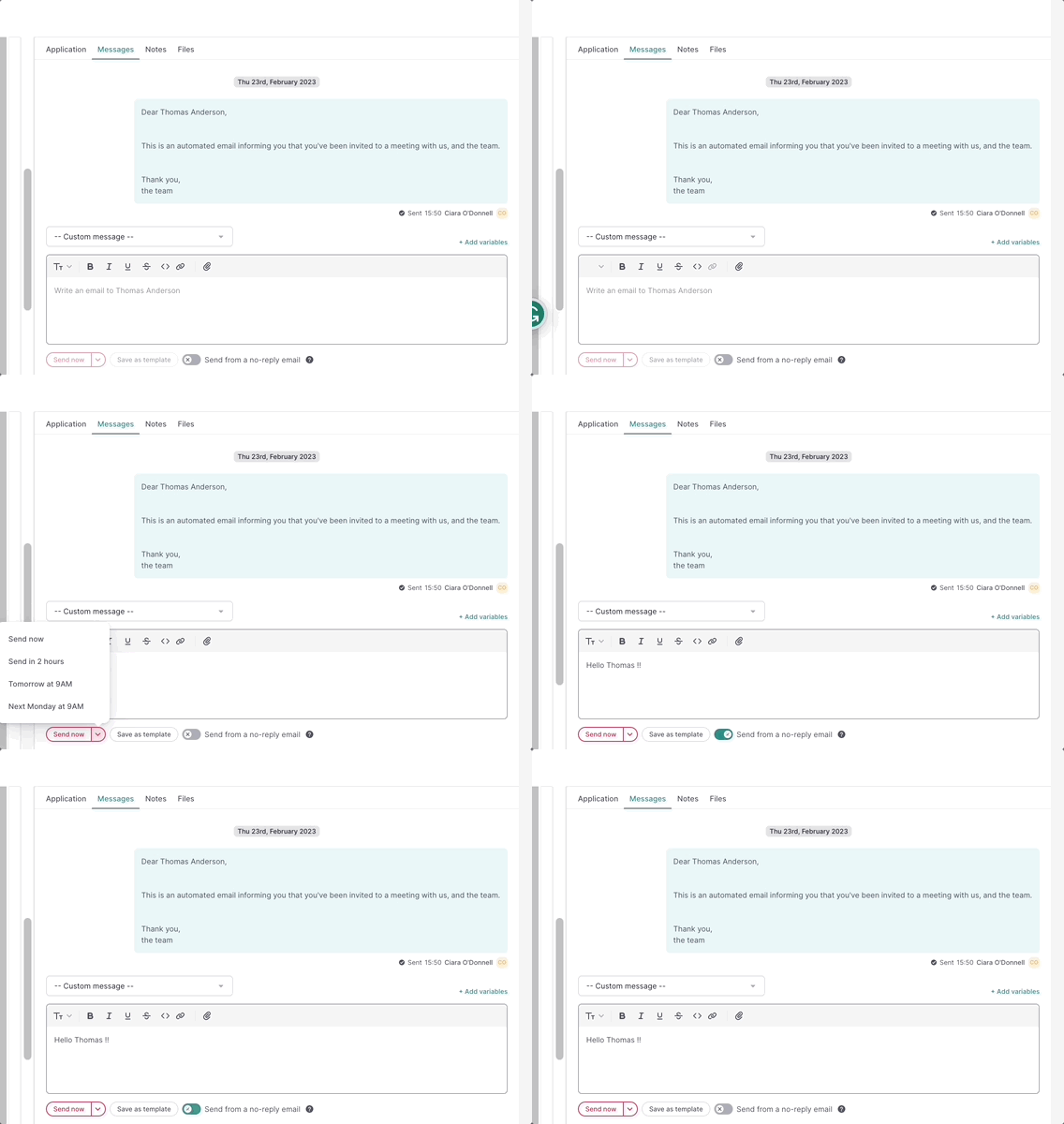
Steps to follow message candidates through the message board:
- On your sidebar, click on Recruitment
- In the Jobs section, choose the job opening of your concern
- Click on a specific candidate to view their profile
- Click on the Messages tab to send a message directly to the candidate
- Compose your message
- Click on:
- Send now: to send the message immediately,
-
The narrow ">": to schedule the message for later
- Delay 2h
- Delay 4h
- Delay 6h
- Delay until 6PM
- Next day at 9AM
- Next Monday at 9AM
- Schedule
- Choose a custom date and time

.gif)
The "Send from a no-reply email" option is available to send messages, without the need to manage replies.
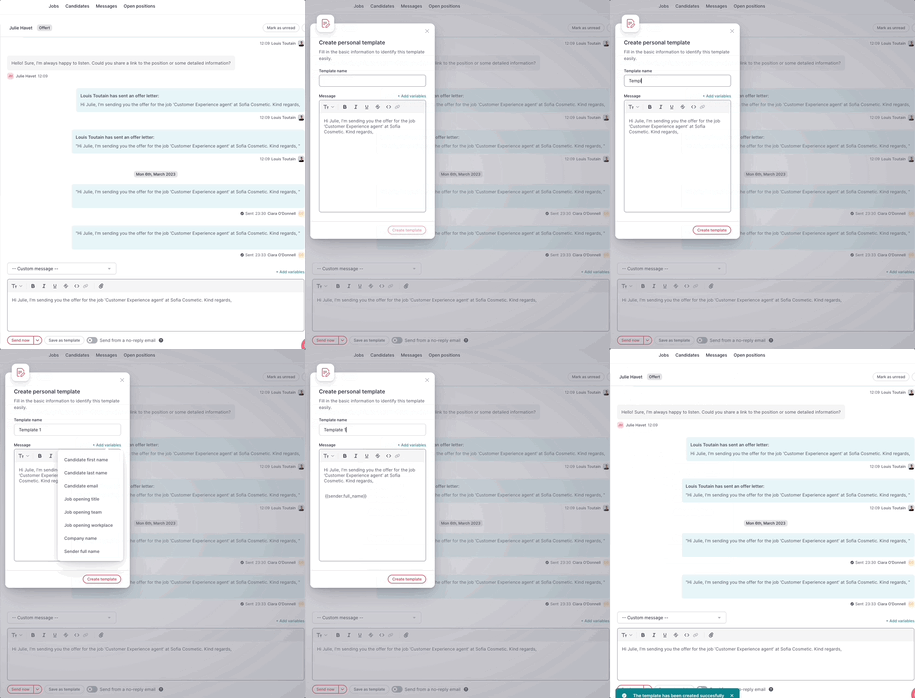
To create a message template, write your message and then click the Save as Template button. You can also make your templates more flexible by adding variables. Learn more about message templates here.